Business dashboards that make your numbers easy to follow
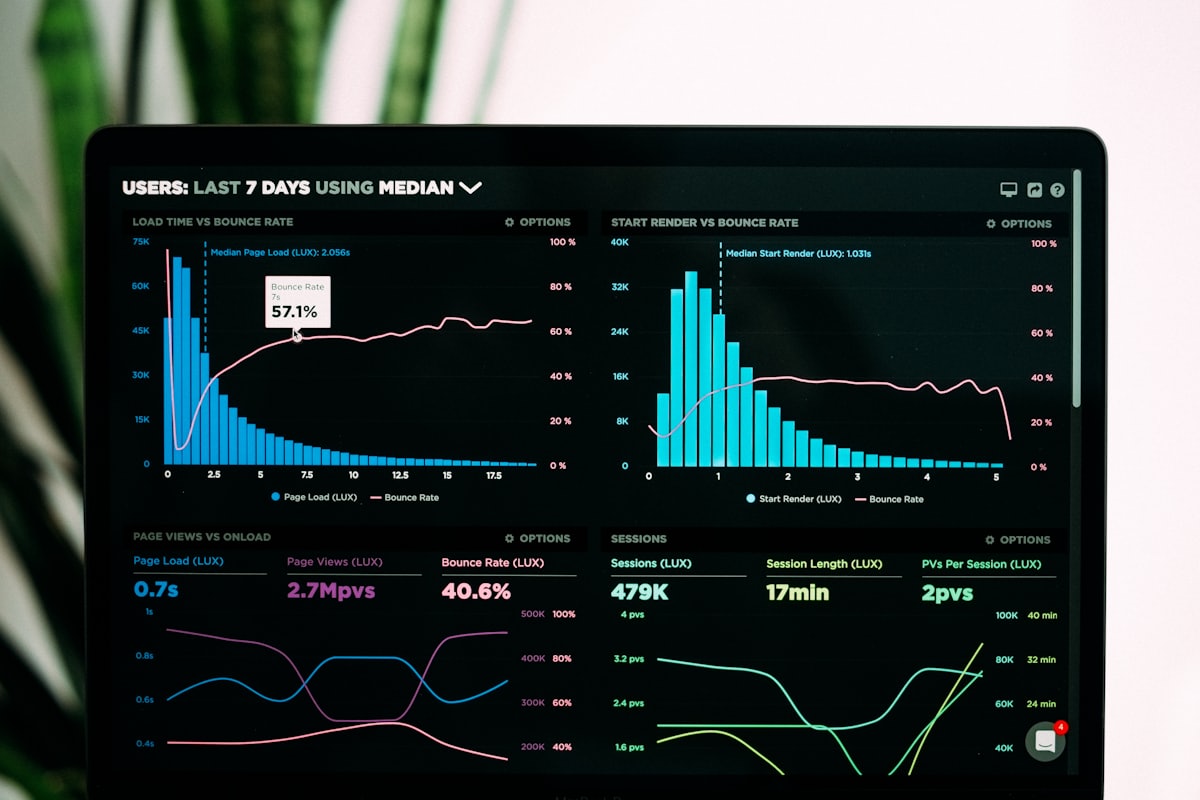
Stop digging through spreadsheets, inboxes and WhatsApp chats. We build simple dashboards that show your bookings, enquiries, jobs and payments in one place.
Why service businesses use dashboards
See everything at once
Bookings, enquiries, payments and job status in one clear view instead of five different apps.
Spot problems early
Unpaid invoices, missed follow-ups and quiet weeks stand out before they cost you money.
Save admin time
Reports build themselves automatically, so you spend less time copying numbers around.
Dashboards we can build
- Enquiry and lead tracker with follow-up reminders
- Booking and job dashboard for trades and drivers
- Daily payments summary from customer WhatsApp groups
- Sales and invoice overview
- Staff and schedule overview
What goes on a small business dashboard?
Most owners of small service businesses already know which numbers matter. The problem is that they are spread across a booking app, a spreadsheet, an email inbox, an invoicing tool and a few WhatsApp chats, so checking them takes time and things get missed.
A dashboard brings the handful of figures you actually check onto one screen and keeps them up to date. We start with what you look at now, not with a long list of charts. A good first version usually fits on a single phone screen, and you can add more once you are using it.
If you also want enquiries answered and logged automatically, a dashboard works well alongside AI automation and business bots, which can feed new enquiries and bookings straight into it.
- New enquiries this week, and where they came from: website, Google, WhatsApp or phone
- Quotes sent and won, so you can see which jobs turn into work
- Jobs or bookings coming up, in progress and finished
- Unpaid invoices and how long each one has been waiting
- Takings by day, week or month, compared with the same period before
- Follow-ups due, such as customers who asked for a quote but have not replied
- Busiest services and areas, to help decide what to advertise
Dashboard ideas for London service businesses
Trades
Plumbers, electricians and builders can track call-outs, quotes waiting for an answer, jobs booked for the week and invoices still unpaid. It pairs well with a trade website, such as our websites for plumbers and websites for electricians.
Appointment businesses
Cleaners, barbers and personal trainers can see bookings by day, repeat customers, cancellations and no-shows, and which services are booked most. See our pages for cleaners, barbers and personal trainers.
Minicab and private hire operators
Operators can see bookings, driver payments and money still owed in one place, including payments that drivers report in WhatsApp groups. More on our page about websites for minicab operators.
How a dashboard project works
- Short chatTell us which numbers you check now, where they live and who needs to see them. WhatsApp or email is fine.
- Fixed priceWe suggest what the first version should show and how it gets its data, with a fixed price before any work starts.
- Build with your real dataWe connect your spreadsheets, forms, booking system or other tools, then you try the dashboard with your own figures.
- Adjust and add summariesWe change anything that is unclear and, if you want, set up daily or weekly summaries by email or WhatsApp.
Frequently asked questions
What can a business dashboard show?
Anything you track: bookings, enquiries, jobs, sales, payments, staff schedules or customer updates, pulled into one simple screen.
Do I need to change the tools I already use?
Usually not. Dashboards can pull data from spreadsheets, booking systems, forms and messaging tools you already use.
Can a dashboard send me daily summaries?
Yes. We can set up automatic daily or weekly summaries by email or WhatsApp, so you don't need to log in to see the key numbers.
Can I use the dashboard on my phone?
Yes. Dashboards open in a normal web browser, so you can check them on your phone between jobs as well as on a laptop or tablet.
Who can see the dashboard?
Only the people you choose. Each dashboard sits behind a login, and we only connect the information it actually needs to show.
How much does a dashboard cost?
It depends on how many places the information comes from and how much needs to update automatically. After a short chat about what you want to track, we give you a fixed price before any work starts.
Is a dashboard worth it for a one-person business?
Sometimes not. If everything already lives in one spreadsheet that you check once a week, a dashboard adds little. It becomes worth it when your numbers are spread across several apps, more than one person takes bookings, or you keep finding unpaid invoices and missed follow-ups too late.
Ready to get more enquiries?
Tell us what your business does and what you want the website or system to achieve. We'll reply with a clear next step and price.